Protect children's identities before photos go live.
Safeguard Vision sits inside your WordPress media library. One click before you publish — every face anonymised by AI, every smile preserved.


“A deeply worrying emerging threat.”
In May 2026, the UK's National Crime Agency, the Internet Watch Foundation and the Early Warning Working Group told schools to remove identifiable photos of pupils from websites and social media. Blackmailers are scraping school sites and turning the photos into AI-generated CSAM.
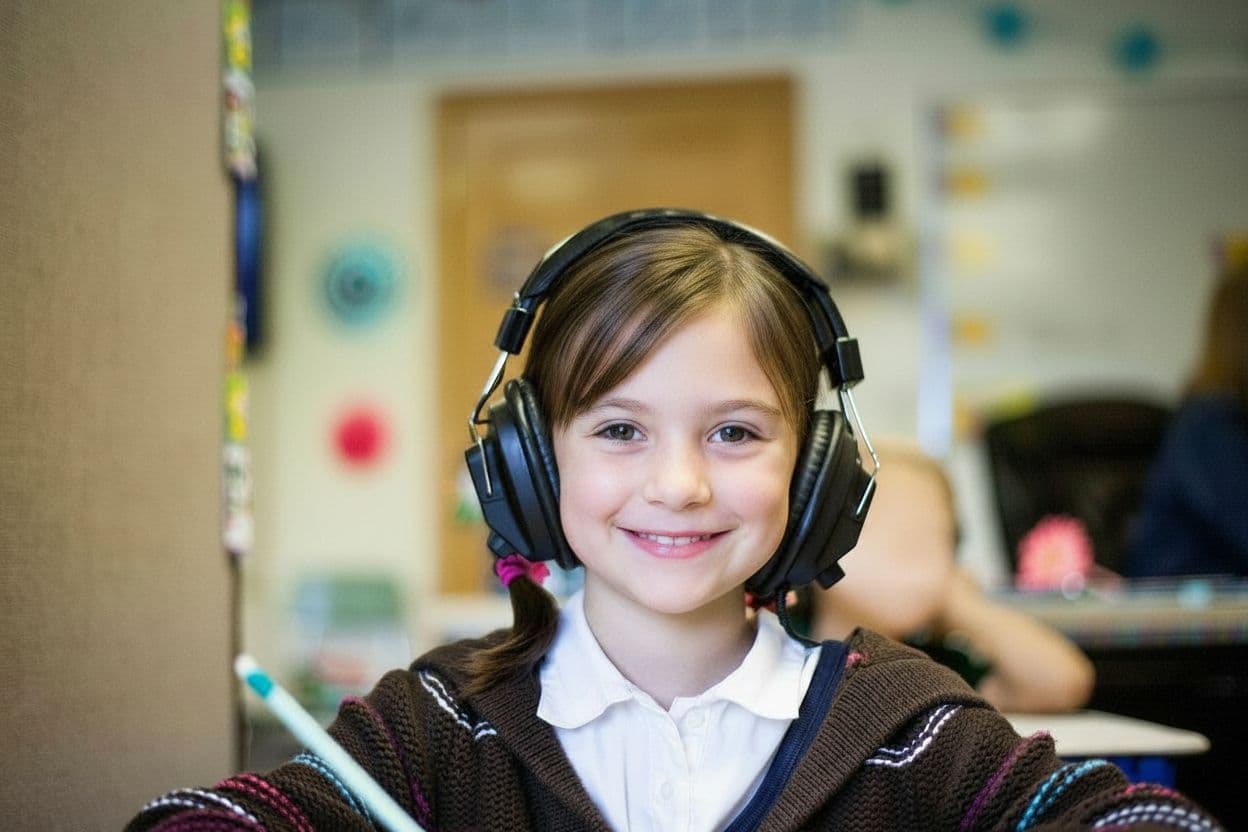
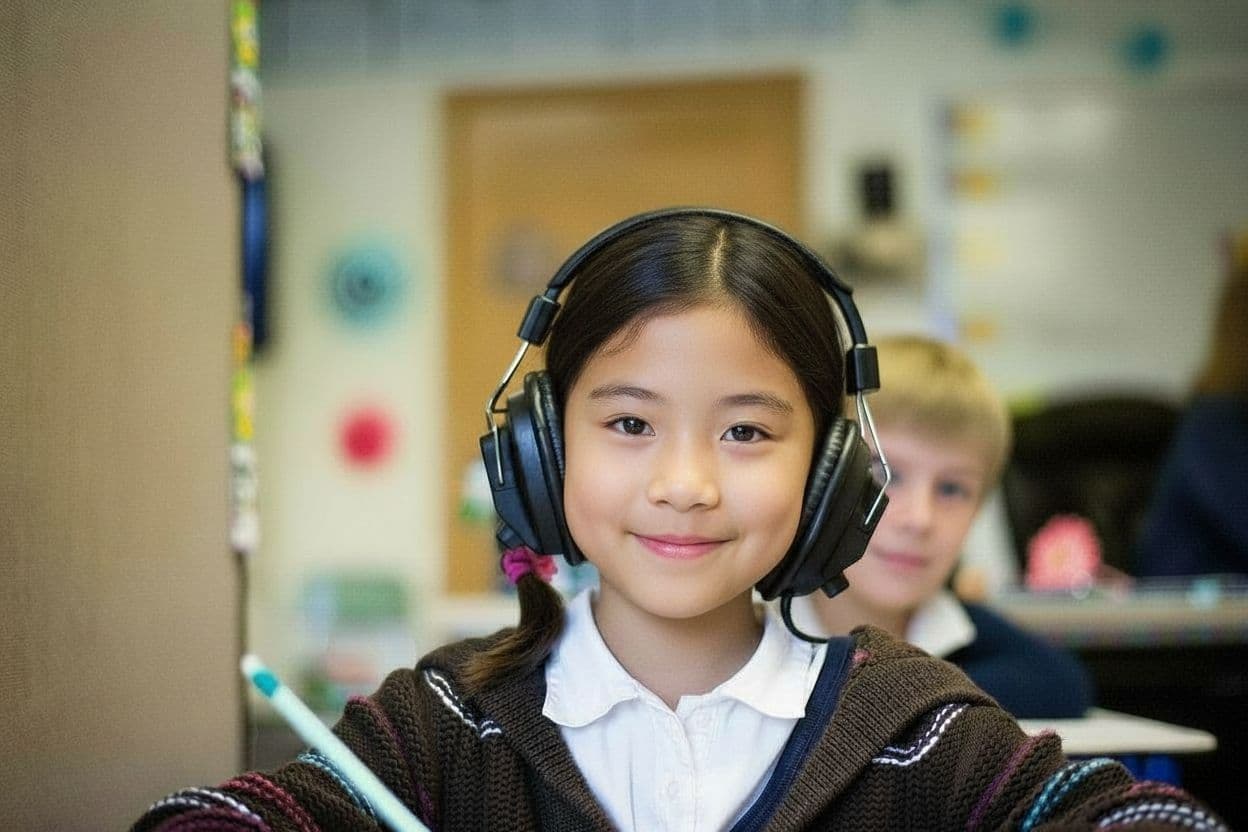
We don't think a darker school website is the answer. Safeguard lets you publish — with every face quietly re-generated by AI, one click before you press publish.
AI-generated CSAM images from one UK school blackmail attempt, per the Internet Watch Foundation.
Reports from under-18s of blackmail attempts in 2025 (Report Remove).
Year-on-year rise in those reports vs 2024 — the trend is going one way.
Built for the people who publish photos of children.
Three things every school comms team needs before clicking publish. All inside the WordPress media library, all on your own server.
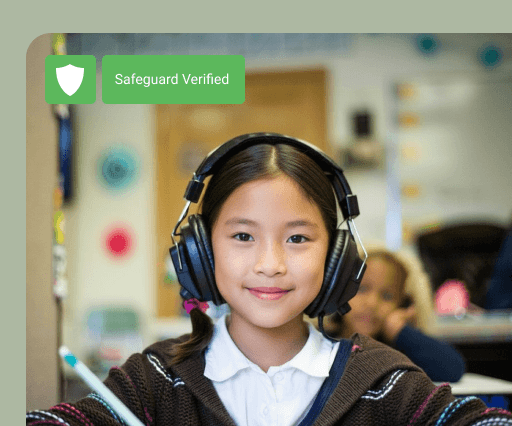
Faces re-generated, not blurred
Black boxes ruin the photo. Safeguard generates a similar- but-different face so your moment still looks like a moment — and tags it “Safeguard Verified” in the library.
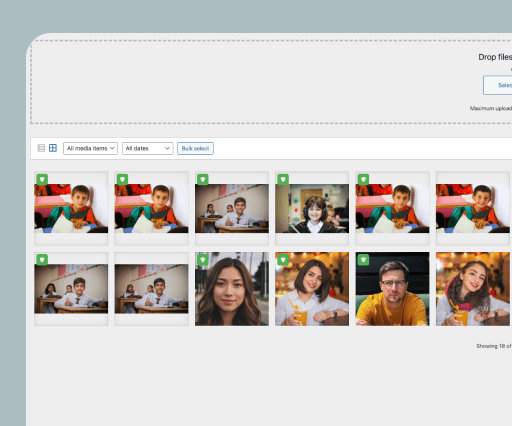
Bulk editor in WordPress
Right inside the media library. Drop in sixty photos from sports day, hit Bulk select, walk away. Come back to a published-ready gallery.
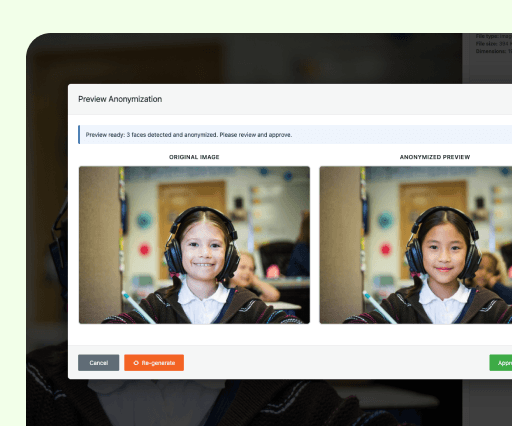
Preview before you publish
Every anonymisation is previewed side-by-side with the original. Re-generate any face you don't like, then approve — nothing goes live until you say so.
The bottleneck isn't taking the photos — it's deciding which ones we're actually allowed to publish. Anything that shrinks that decision to one click is the difference between a living school website and a dead one.
From an early conversation with a school DPO
UK primary school · customer interview
Questions we've been asked already.
Something else? Email us — a human replies.
Pricing depends on how many photos you publish and how many sites you run, so we quote each organisation individually rather than publishing a rate card.
Tell us a little about your setup and we'll come back with a price — hello@safeguard-vision.com.
Get in touch for pricing.
Every school, nursery and club publishes at a different scale, so we price Safeguard around your setup rather than a one-size-fits- all plan. Tell us roughly how many photos you publish and how many sites you run, and we'll come back with a straight answer — usually the same working day.
Or email us directly at hello@safeguard-vision.com — a human replies.
Be there the day a school photo stops being a risk assessment.
Safeguard is live and taking on new schools. Sign up to hear about new features, levels of care, and product updates.